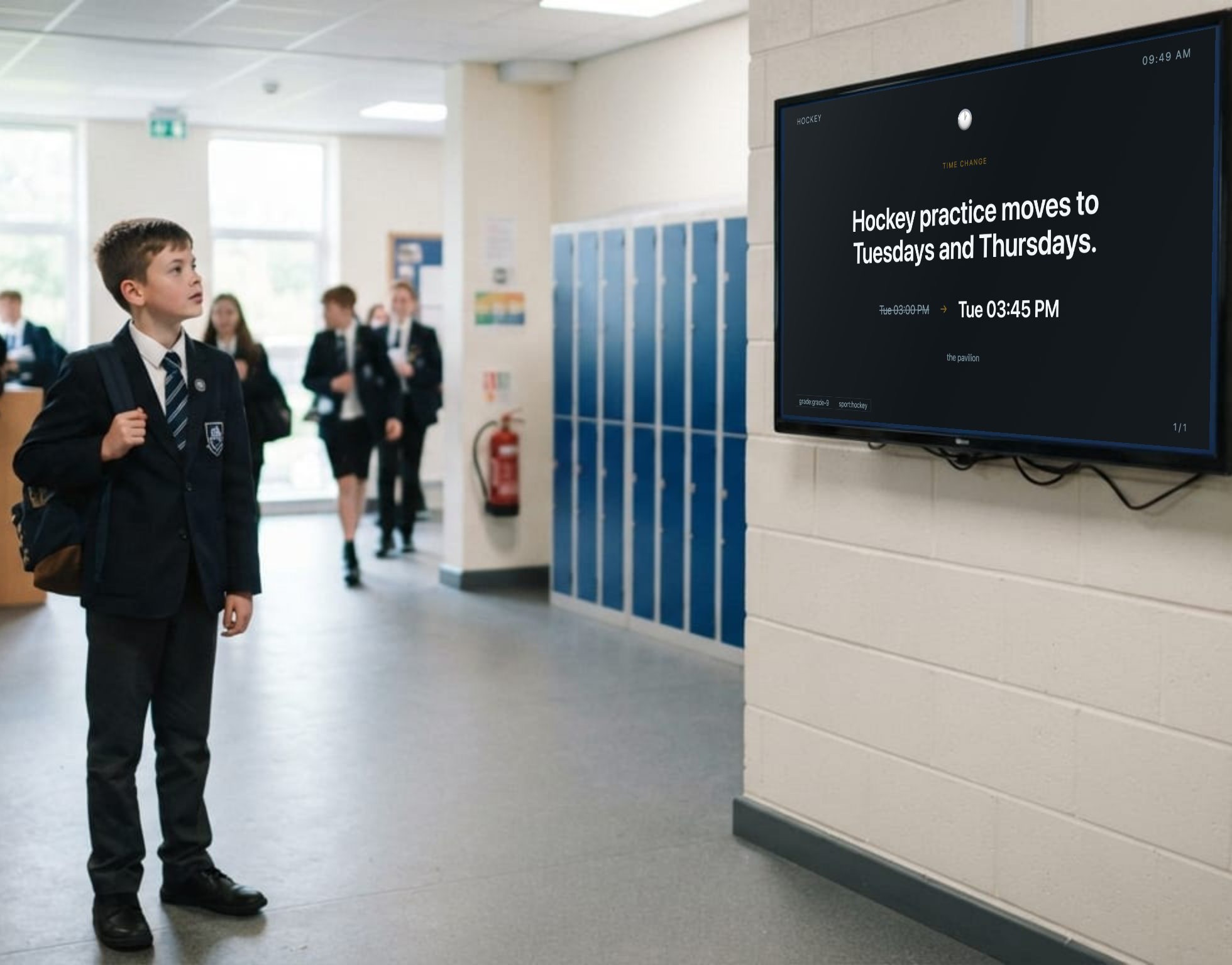
Hockey practice moves to Tuesdays and Thursdays
Tue 3:00 pm → Tue 3:45 pm
At the pavilion
Old-school notice board without the cork
Reaching them shouldn't mean putting a phone in their hand. Notices go on the wall they already walk past — no app, no group chat, nothing to scroll.
Built for schools
Why now
More schools are putting phones away for the school day — and every channel a school has invested in goes away with them. An app, a WhatsApp group, a push notification: between the first bell and the last, none of them arrive. A screen in a corridor asks nothing of anybody.
Hockey practice moves to Tuesdays and Thursdays
Tue 3:00 pm → Tue 3:45 pm
At the pavilion
My School
Athletics
Day
Saturday 18 October, from 08:00
Pavilion field · every grade · bring a hat
Photo day is on Friday
Full summer uniform, blazers on. Grade photos start at 08:30 in the hall and clubs follow at first break.
Corkless, on a screen in the corridor Time change
No app, no group, no login, no data. A notice on the wall is read by whoever walks past it, which is everybody, on their way to somewhere else.
A room changes at nine and the notice is on the wall a minute later. Nothing waits for Friday's newsletter, or for somebody to check their email.
Phone bans are really about social media. Reading a message on a phone means unlocking it — and everything else on it. A screen needs none of that.
Why it's different
Every other system asks which screens should show your message. Ask that and you have to answer it again for every screen you ever add. Corkless asks two things instead — who it's for, and where it applies. Every screen is told the same two things, and the routing follows on its own. Both are yours to name: a school that boards says hostel and school, one on two sites says north and south.
"Dinner is at 18:00."
audience:learnersbuilding:hostel
Only the hostel screens. The same notice on a screen in the school building would be telling the day pupils something that is not for them.
Say who it is for and where it stands. Every past and future notice is already there. Nothing is re-sent, re-tagged or re-scheduled.
Nothing outstays its welcome
Not a reminder to take it down. A rule, set once, that the notice carries with it. This is what a sheet of paper could never do.
Your words, not ours
Who a notice is for, where a screen stands, and the templates a school actually posts — named the way that school names them, in the language it sends them in.
English
Afrikaans
More of what it does
A notice for one campus stays on that campus — it doesn't turn up in the other one's corridor. Anything meant for the whole school still reaches every screen, without you posting it twice.
A closure waits for a second pair of eyes before it goes anywhere. Everyday notices don't. You decide which kinds need signing off, once.
Say who a notice is for and the screens that will show it are listed back to you, by name, while you're still typing.
Cricket back on after all? Pull the notice and it's off every screen in seconds — no walking round the building, no waiting for it to expire.
Every panel says when it last checked in. A dead screen shows up on a list rather than as a blank wall somebody mentions three weeks later.
Tell a second screen it is for the same people and everything is already there. Nothing to copy across, and nothing to keep in step afterwards.
The practical part
Samsung Tizen, LG webOS, Android TV, or a Raspberry Pi behind an old monitor. No app store, no set-top box, nothing to buy.
Your staff already have accounts. No new passwords, no separate user list to keep up to date when someone leaves.
Your data stays in the country, on infrastructure in Johannesburg.
One noticeboard, on one screen, at no cost. Sign in with the Microsoft account your school already gave you, register the school yourself, and ask whoever looks after your directory for one role. That is the whole of the setup.